Template Setup
Information Architecture
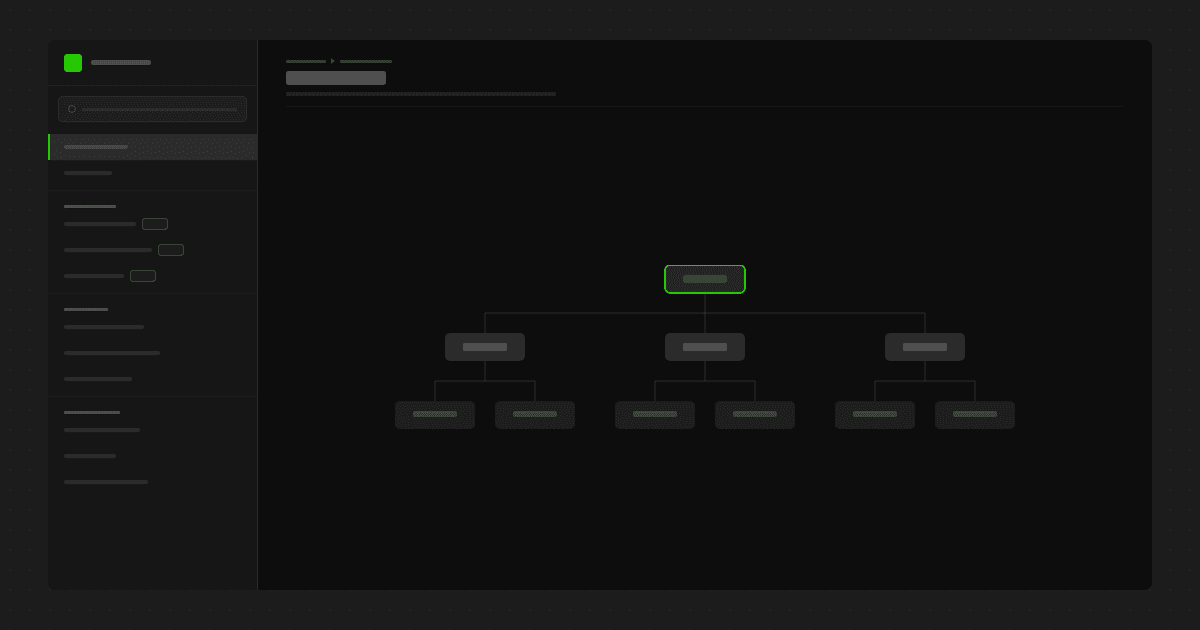
A documentation site works best when readers can predict where information lives before they search for it.
MokuDocs uses a simple category-first structure designed to keep navigation understandable as content grows. Categories define the top-level browsing model. Individual doc pages live within those categories. This makes the system easier to scan than deeply nested navigation patterns that hide important pages several levels down.
Recommended approach
Keep the number of top-level categories low
Use page titles that describe a task or topic clearly
Avoid deep nesting unless the content genuinely requires it
Keep related setup and support content grouped consistently
Good practice
For most documentation sites, 4 to 7 categories is a strong starting point. If you need significantly more than that, the issue is often content modelling rather than navigation depth.
Avoid
vague categories such as “Other” or “Resources”
multiple pages with overlapping names
excessive nesting that forces readers to expand several layers just to find one page
A good docs IA should feel obvious to a first-time visitor, not just to the person who built it.
Helpful resources
If you are new to how Framer projects and CMS structure work together, these official lessons provide useful background.