Design Systems
Table of Contents (TOC) Pattern
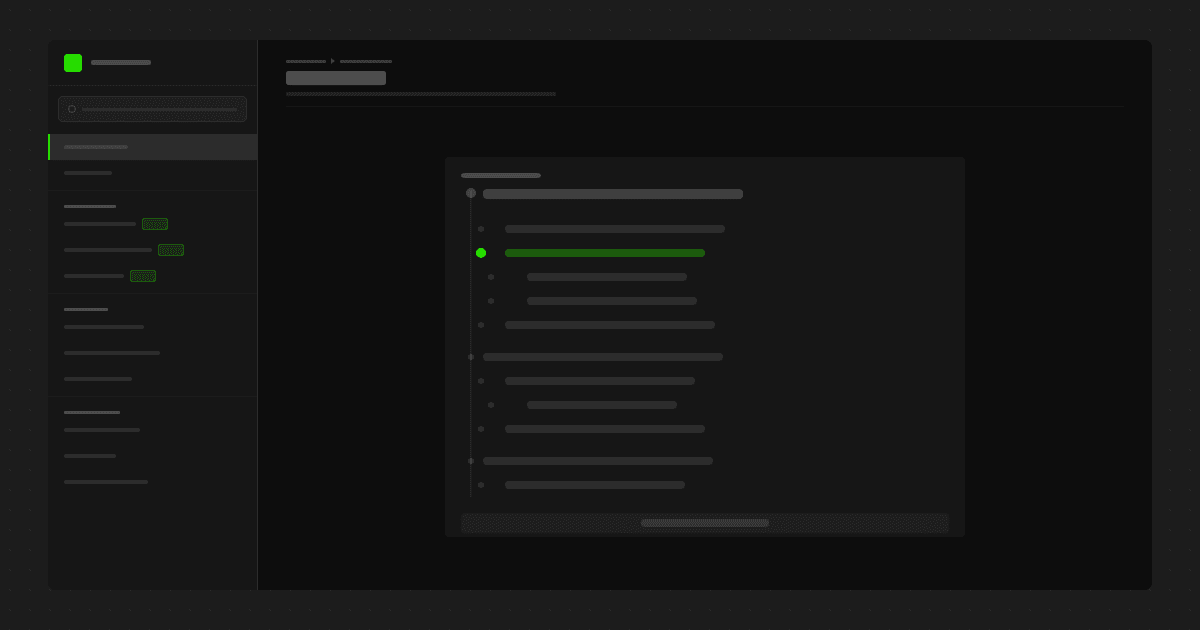
The table of contents helps readers scan long pages, jump to the section they need, and understand the structure of a document before they read it in full.
Use a TOC when
the page is long enough to require section jumping
the topic contains multiple decision points
the page is likely to be revisited as a reference
Heading rules
use H2 for primary sections
use H3 only when there is a real subtopic beneath that section
avoid decorative headings
avoid single-child heading structures that add complexity without helping the reader
Best practice
A good TOC mirrors a clear editorial structure. If the TOC looks confusing, the page usually needs restructuring rather than more headings.
Helpful resources
If you want to better understand sticky layout behavior and page structure in Framer, these official lessons are worth reviewing.