Getting Started
Quick Start Checklist
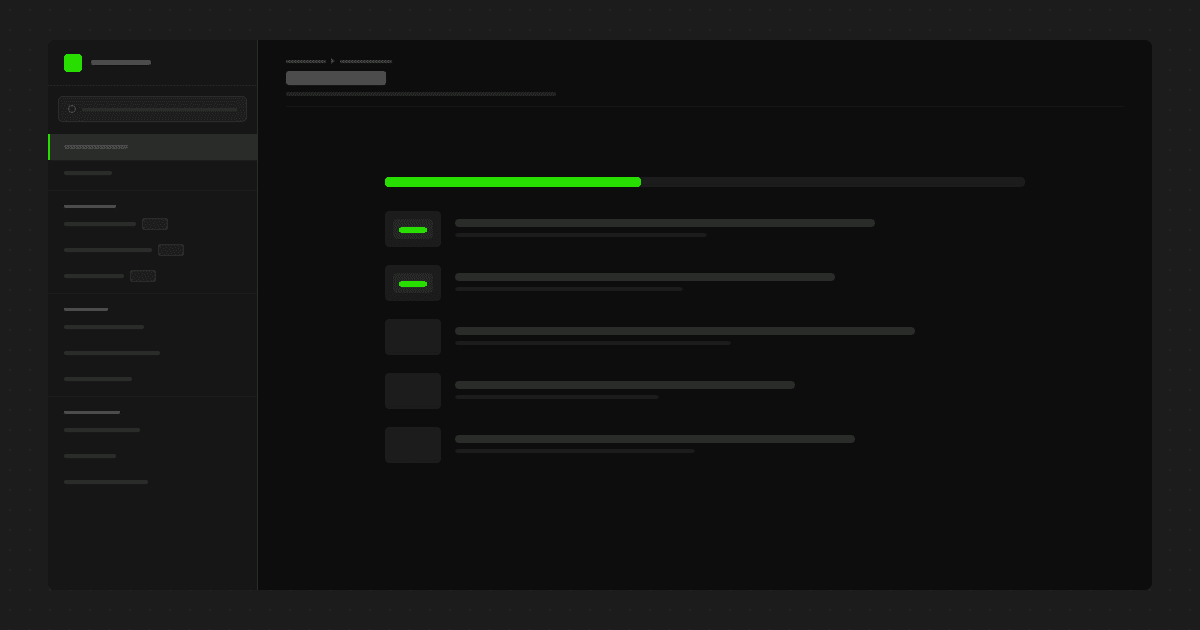
Use this page to get the template working before you spend time on visual polish or large-scale content migration.
Recommended setup order
1. Create your categories
Set up the top-level sections that will appear in navigation. For most docs sites, four to seven categories is enough.
2. Create your first doc pages
Add a small set of core pages such as Welcome, Getting Started, CMS Setup, and Support. Focus on publishing a working structure first.
3. Add reusable Doc Blocks
Create at least one code block, one table block, and one media block so you can test how reusable content behaves across pages.
4. Verify navigation and slugs
Check that categories appear in the right order, page titles are clear, and URLs are short and predictable.
5. Review the site as a reader
Open the docs hub, browse by category, test search, and confirm that the experience feels clear from a first-time visitor's perspective.
First milestone
A strong first milestone is to publish five complete pages end to end:
Welcome
Information Architecture
CMS Collections Setup
Using Doc Blocks
Styling Guide
Once those pages work properly, the rest of the template becomes much easier to customise.
Helpful resources
New to Framer? These official Framer Academy lessons are a good place to start before setting up Mokudocs.